01
A customer email comes in.
We need to change a delivery date.
- Source
- Customer email
- Next
- Find the order
We build custom web applications, internal tools, workflow automation, and AI agents, and replace the software subscriptions you rent with software you own.
Based in Moline, Illinois.
Logged automatically from email or a form.
Linked to the customer, order, and documents.
An owner, a due date, and the next action.
The original customer request.
The customer record and history.
The order, quote, or contract.
Accounting, ERP, or scheduling.
Everyone sees the same details.
Everyone knows who acts next.
Data is entered once.
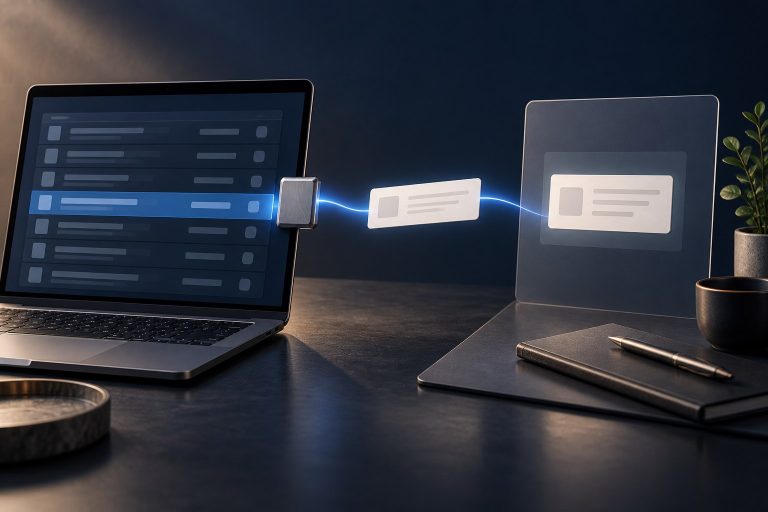
Illustration of a custom workflow app. Not real customer data.
Custom software developers in Moline, Illinois.
See our workCase study / IntelliSee
A custom web application for camera configuration, fleet monitoring, alert review, reporting, and partner support. Designed, built, and run by QC Devworks.
Read the IntelliSee case study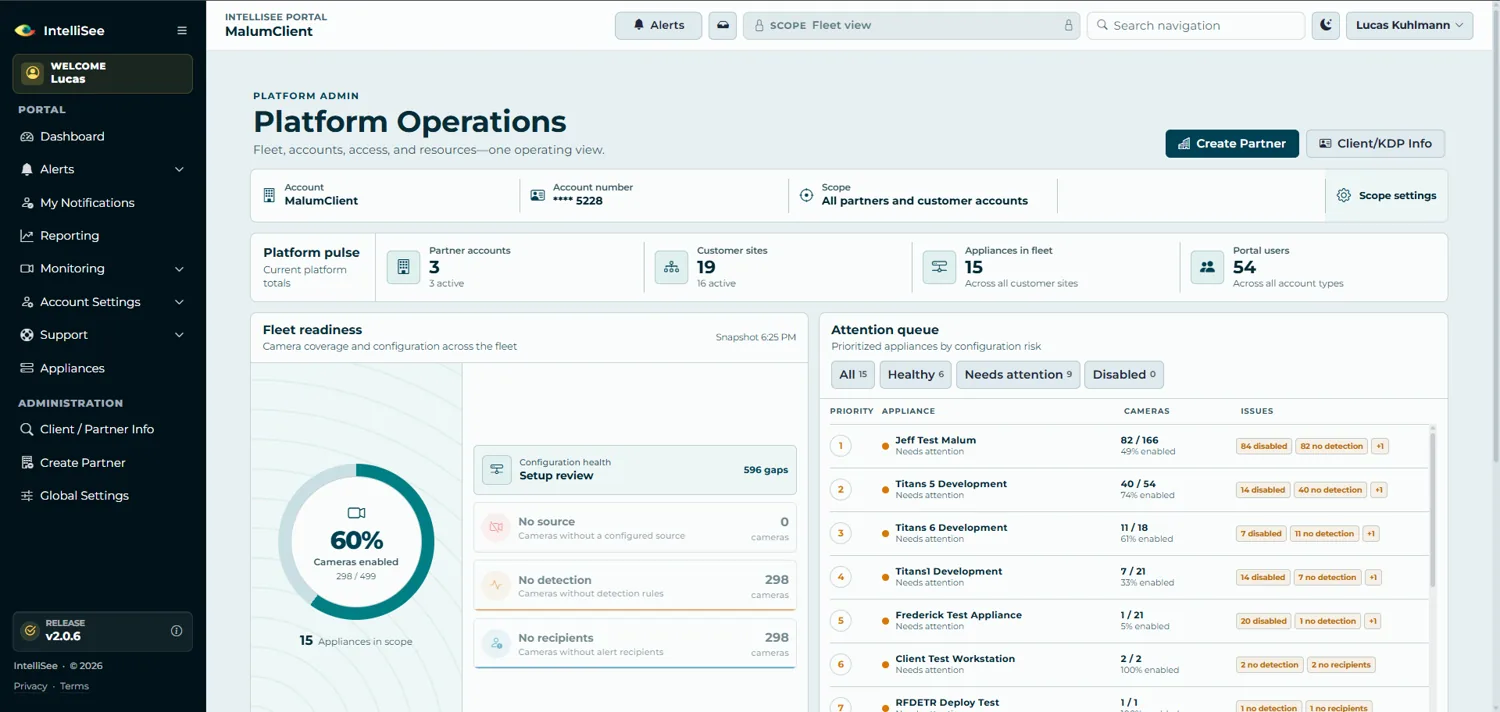
Customer sites, appliances, cameras, and coverage in one dashboard.
Missing video sources, disabled monitoring, and configuration work flagged before they turn into support tickets.
An attention queue lists the appliances that need work and opens the right details for each one.
Select a detail for a closer look.
A customer emails to change a delivery date. Here is how a connected system handles it without anyone re-typing the details.
Example workflow
Choose a step to explore.
Workflow automation servicesWe need to change a delivery date.
01 / 03 — The request arrives
Example only. No customer data is entered or sent.
Discovery, scope and quote, build and test, then launch and support. You see the software as it is built.
Walk through the work with the people who do it.
Agree the first release, the price, and how to judge it.
Review working software and test real situations.
Launch with training, documentation, and a support plan.
You see the work as it develops, and know what needs your input.
A custom software development company designs, builds, and maintains software for one business instead of selling the same product to everyone. QC Devworks builds web applications, internal tools, customer portals, integrations between your existing systems, and AI agents, then supports them after launch.
It depends on scope, integrations, data, and user roles. As an outside reference, Clutch's 2026 software development pricing guide reports that the most common project budget is $10,000 to $49,999. We define the first release, then give you a written scope, price, and timeline before any work begins. The pricing page has a calculator for comparing that cost with what the workflow costs you today.
Often, yes. Many businesses use only part of what a SaaS product offers. We can build the parts you actually use, plus what the product cannot do, and you stop paying per user. You still pay for hosting and maintenance, so we compare both costs with your real numbers before you decide.
Our engagements are designed for you to own the custom code and your data. The proposal spells out code ownership, repository and hosting access, and any third-party licenses before work begins, and handover includes documentation and training.
A focused first release that covers one workflow typically takes weeks to a few months, depending on integrations, data migration, and how quickly decisions are made. The proposal lists the milestones.
Yes. After launch we offer monthly maintenance and development plans covering bug fixes, security updates, monitoring, and new features, so the software keeps improving instead of going stale.
No. We are based in Moline, Illinois and work in person with businesses in Moline, Rock Island, East Moline, Davenport, and Bettendorf, and remotely with clients elsewhere in the U.S.
QC Devworks is a custom software development studio in the Quad Cities. You work directly with the developers building your software, in person or remotely.
No account managers in between. Regular reviews of working software.
The simplest system that does the job, documented and handed over.

Tell us what you want to build, automate, or replace. We reply by email with questions or a next step.
Request a quote